
Top Free AI Tools for Digital Marketing: Boost Content, SEO & Growth Without Cost
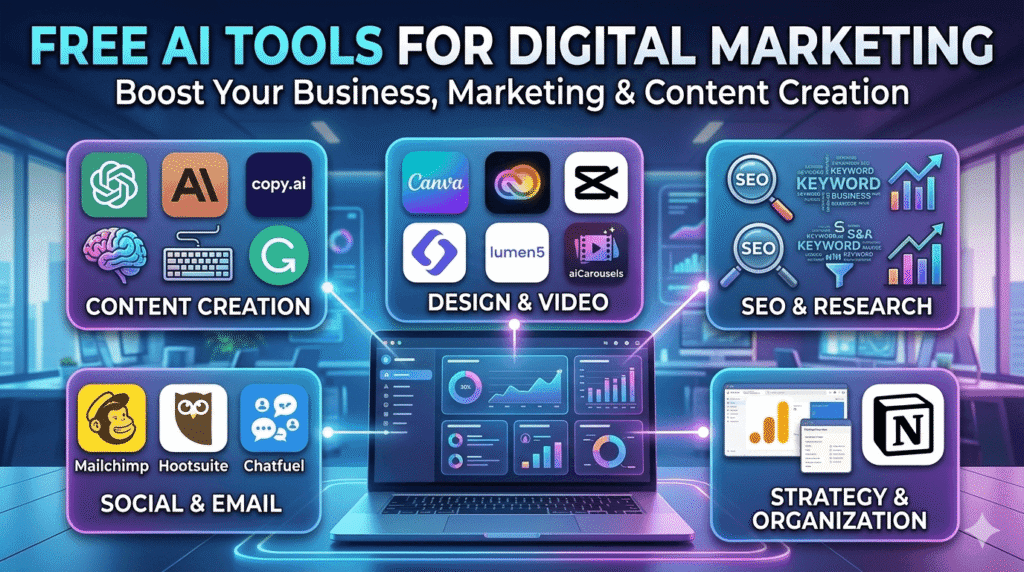
Free AI tools for digital marketing are software applications that use artificial intelligence to help businesses and individuals plan, create, and manage their marketing activities more efficiently. These tools can assist with tasks like writing content, designing graphics, analyzing data, optimizing SEO, managing social media, and automating emails, all without requiring advanced technical skills.
One of the biggest advantages is that you don’t need expensive software anymore. Many AI tools offer free plans that are strong enough to handle essential marketing tasks such as:
- Writing blog posts and ads
- Creating social media content
- Finding keywords and trends
- Designing graphics and videos
- Automating marketing workflows
Here are the best free AI tools for digital marketing, categorized by function:
1. Content Creation & Copywriting Tools
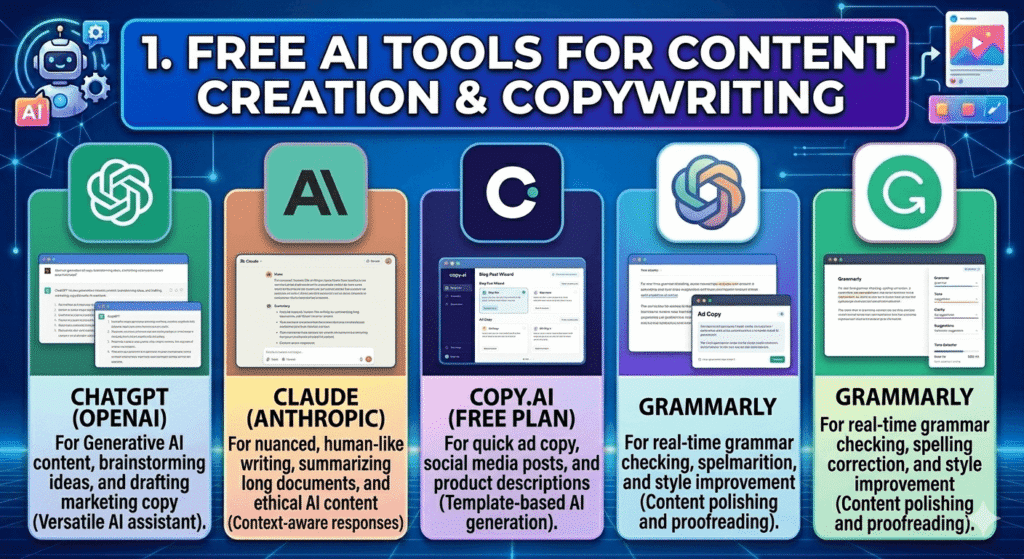
Creating high-quality content is the foundation of digital marketing. These AI tools for content creation help you write faster and better.
ChatGPT (OpenAI)
ChatGPT is a free AI tool that helps you write, edit, brainstorm ideas, generate content, and even solve problems, all through a simple chat interface. It works like a smart assistant you can talk to anytime, whether you need quick answers or detailed content for your marketing tasks.
It uses advanced artificial intelligence to understand your questions and respond in a natural, human-like way. Behind the scenes, ChatGPT is powered by a large language model (LLM) trained on massive amounts of text, which allows it to generate clear, relevant, and high-quality responses within seconds.
In the free version, you can access powerful AI capabilities for everyday use, including writing blog posts, creating social media content, and improving your marketing ideas. Some advanced features and more powerful models are available in paid plans, but the free version is still very useful for beginners and small businesses.
Pros:
- Easy to use, even for beginners
- Saves time on content creation
- Can generate different types of content quickly
- Helps with brainstorming and idea generation
Cons:
- Sometimes it gives generic or repetitive answers
- Requires good prompts for best results
- May need editing for accuracy
Key Features:
- AI content generation (blogs, posts, emails)
- Idea brainstorming and topic suggestions
- Content rewriting and editing
- Q&A and research assistance
Claude (Anthropic)
Claude is a free AI tool that helps you write, analyze, summarize, and create long-form content in a clear and natural way. It works like a smart writing assistant that understands context very well, making it especially useful for detailed articles and professional content.
It uses advanced artificial intelligence to process large amounts of text and respond in a structured and human-like style. Claude is known for producing more natural, thoughtful, and well-organized responses compared to many other AI tools, especially when working on longer documents.
In the free version, you can use Claude for tasks like writing blog posts, summarizing reports, and improving your content. While there are some usage limits, it is still a strong option for beginners, writers, and digital marketers who want high-quality content.
Pros:
- Produces natural and human-like writing
- Excellent for long-form content
- Strong understanding of context
- Clear and well-structured responses
Cons:
- Limited free usage
- Slower compared to some tools
- Fewer integrations than other platforms
Key Features:
- Long-form content writing
- Content summarization
- Context-aware responses
- Clean and structured formatting
Copy.ai (Free Plan)
Copy.ai is a free AI tool designed to help you create short, high-converting marketing content quickly and easily. It is especially useful for digital marketers who need fast and effective copy for ads, social media, and product descriptions.
The tool uses artificial intelligence to generate persuasive and engaging text based on your input. You simply enter a few details about your topic or product, and Copy.ai produces ready-to-use content in seconds. It focuses more on marketing and sales content rather than long-form writing.
In the free plan, you get access to a variety of templates and tools that help you create content for different platforms. While there are some limits on usage, it is still a great option for beginners and small businesses looking to improve their marketing.
Use for:
- Social media captions
- Ad copy (Facebook, Google Ads)
- Product descriptions
- Email subject lines
Pros:
- Fast and easy content generation
- Great for marketing and sales copy
- Beginner-friendly interface
- Offers ready-made templates
Cons:
- Limited free credits
- Not ideal for long-form content
- Output may feel repetitive sometimes
Key Features:
- AI copywriting templates
- Marketing-focused content generation
- Multiple content variations
- Easy-to-use dashboard
Grammarly
Grammarly is a free AI-powered writing assistant that helps you improve your writing by checking grammar, spelling, clarity, and tone. It works in real time, making it easy to edit and polish your content as you write.
The tool uses artificial intelligence to analyze your text and suggest corrections and improvements instantly. It not only fixes mistakes but also helps make your writing clearer, more professional, and easier to understand, especially useful for digital marketing content.
In the free version, Grammarly provides essential writing suggestions that are enough for everyday tasks like emails, blog posts, and social media content. Advanced features are available in the paid version, but the free plan is very helpful for beginners.
Use for:
- Editing blog posts
- Fixing grammar and spelling
- Improving tone and clarity
- Writing professional emails
Pros:
- Easy to use
- Improves writing quality instantly
- Works on browsers and apps
- Great for beginners
Cons:
- Advanced suggestions require payment
- Sometimes over-corrects tone
- Limited features in free version
Key Features:
- Grammar and spell checker
- Tone and clarity suggestions
- Real-time editing
- Browser extension integration
2. Graphic Design & Video Production
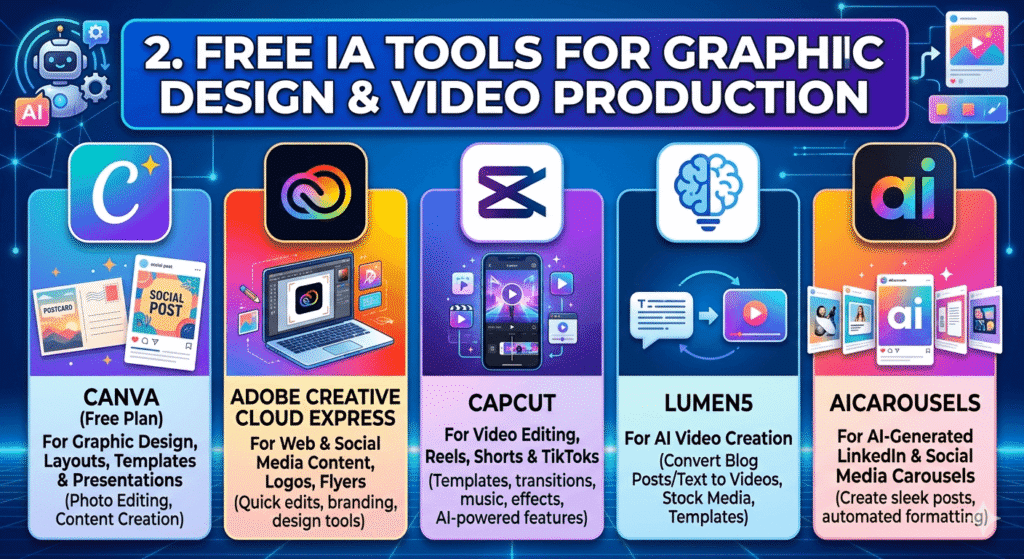
Visual content is key for engagement and attracting your audience. These free digital marketing tools help you design and create videos easily.
Canva (Free Plan)
Canva is a free AI-powered graphic design tool that helps you create professional visuals quickly and easily, even if you have no design experience. It works through a simple drag-and-drop interface, making it perfect for beginners and digital marketers.
Canva includes built-in AI features like Magic Studio, which allows you to generate images, remove backgrounds, resize designs, and create content automatically. This makes it easy to design eye-catching graphics for social media, websites, and marketing campaigns in just a few minutes.
In the free plan, you get access to thousands of templates, design elements, and basic AI tools that are more than enough to create high-quality content. While premium features exist, the free version is powerful for most marketing needs.
Use for:
- Social media posts
- Marketing graphics
- Presentations
- Posters and ads
Pros:
- Very easy to use
- Thousands of ready-made templates
- No design skills required
- Saves time on content creation
Cons:
- Some premium templates locked
- Limited advanced customization
- Internet required to use
Key Features:
- Drag-and-drop design editor
- AI tools (background remover, image generator)
- Pre-designed templates
- Auto resize for different platforms
Adobe Creative Cloud Express
Adobe Creative Cloud Express is a free AI-powered design tool that helps you create high-quality graphics, social media content and marketing materials and professionally. It is a simplified version of Adobe’s powerful design software, made for beginners and non-designers.
The tool uses artificial intelligence to speed up the design process by offering smart templates, automatic resizing, and easy editing features. It allows you to quickly create polished visuals that look professional without needing advanced design skills.
In the free version, you can access a wide range of templates, fonts, and basic AI tools to create content for your business or brand. While some advanced features are available in paid plans, the free plan is still very useful for everyday design needs.
Use for:
- Social media graphics
- Marketing materials
- Posters and flyers
- Brand content
Pros:
- Professional-quality designs
- Easy to use for beginners
- Trusted Adobe platform
- Good selection of templates
Cons:
- Limited features in free plan
- Some tools require payment
- Less flexible than full Adobe software
Key Features:
- AI-powered design tools
- Ready-made templates
- Quick editing features
- Brand customization options
CapCut
CapCut is a free AI-powered video editing tool that helps you create high-quality videos quickly and easily, even if you have no editing experience. It is especially popular for creating short-form content like TikTok videos, Instagram Reels, and marketing ads.
The tool uses artificial intelligence to simplify video editing tasks such as adding captions, applying effects, cutting clips, and syncing music. With its ready-made templates and smart editing features, you can turn raw footage into professional-looking videos in just a few minutes.
In the free version, CapCut offers a wide range of editing tools and AI features that are more than enough for beginners and content creators. It works on both mobile and desktop, making it very flexible and accessible.
Use for:
- Short-form videos (TikTok, Reels)
- Video ads
- YouTube content
- Social media videos
Pros:
- Free and powerful
- Beginner-friendly interface
- Fast video editing
- Works on mobile and desktop
Cons:
- Limited advanced editing features
- Some effects may feel basic
- Requires internet for some features
Key Features:
- Auto captions (AI subtitles)
- Video templates
- AI effects and filters
- Easy cutting and editing tools
Lumen5
Lumen5 is a free AI-powered video creation tool that helps you turn text content, such as blog posts or articles, into engaging videos in just a few minutes. It is designed for marketers, bloggers, and businesses that want to repurpose written content into visual formats.
The tool uses artificial intelligence to automatically match your text with relevant images, video clips, and music. You simply paste your content, and Lumen5 transforms it into a professional-looking video without requiring any editing skills.
In the free version, you can create basic videos with access to a media library and simple customization options. While advanced features are available in paid plans, the free version is a great starting point for content creators.
Use for:
- Turning blog posts into videos
- Social media video content
- Marketing videos
- Educational content
Pros:
- Saves time on video creation
- No editing skills required
- Easy to use
- Great for content repurposing
Cons:
- Limited customization in free plan
- Watermark on videos
- Fewer advanced editing options
Key Features:
- Text-to-video conversion
- Media library (images & clips)
- Drag-and-drop editing
- Music and branding options
aiCarousels
aiCarousels is a free AI-powered tool that helps you create engaging carousel posts for social media platforms like LinkedIn, Instagram, and TikTok. It is designed for beginners and marketers who want to create professional-looking multi-slide posts without needing design skills.
The tool uses artificial intelligence to turn your ideas, text, or content into visually appealing carousel slides. You can simply enter a topic or paste content, and the AI will generate structured slides with headlines, text, and layout suggestions. It also includes templates and design tools to make your content look clean and attractive.
In the free version, you can create and customize carousel posts using built-in templates and AI writing assistance. While there are some limits, it is a great tool for content creators, businesses, and marketers who want to improve engagement on social media.
Use for:
- LinkedIn carousel posts
- Instagram educational posts
- Social media storytelling
- Content repurposing (blogs → slides)
Pros:
- No design skills required
- Fast content creation
- AI generates both text and structure
- Great for engagement-focused content
Cons:
- Limited free usage
- Fewer templates compared to tools like Canva
- May require editing for better quality
Key Features:
- AI carousel content generation
- Ready-made templates
- Auto-resize and layout optimization
- Multi-platform support (LinkedIn, Instagram, TikTok)
3. SEO & Market Research
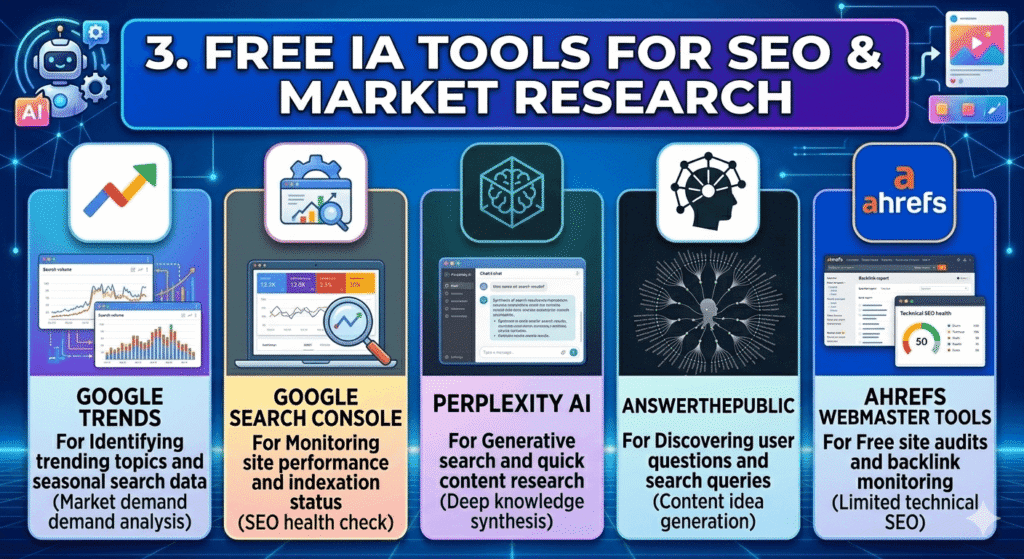
SEO is essential for organic traffic. These AI SEO tools help you understand what people are searching for.
Google Trends
Google Trends is a free AI-powered research tool from Google that helps you understand what people are searching for online. It shows the popularity of search terms over time and helps you identify trending topics, seasonal patterns, and growing interests in different industries.
The tool works by analyzing real search data from Google Search and presenting it in simple charts and graphs. You can compare different keywords, explore search interest by location, and see how trends change over time. This makes it very useful for digital marketers who want to create content that matches what people are currently interested in.
In the free version, Google Trends gives you access to real-time and historical search data without any cost. You can compare up to five keywords at a time, explore global or local trends, and discover new content ideas. It is one of the most important tools for SEO and content planning.
Use for:
- Finding trending topics
- Keyword research
- Content planning
- Seasonal marketing analysis
Pros:
- Completely free to use
- Real real-time search data
- Easy to understand graphs
- Great for SEO and content ideas
Cons:
- No exact search volume numbers
- Limited keyword depth
- Needs interpretation for best results
Key Features:
- Keyword trend analysis
- Location-based search insights
- Time-based comparisons
- Related search suggestions
Google Search Console
Google Search Console is a free tool from Google that helps you monitor, maintain, and improve your website’s presence in Google Search results. It shows how your site is performing, which keywords bring visitors, and how Google indexes your pages.
The tool works by collecting real data directly from Google Search. It shows you important insights such as clicks, impressions, average position, and website indexing status. This makes it a powerful tool for anyone doing SEO or running a blog, business website, or online store.
In the free version, Google Search Console gives you full access to essential SEO data without any cost. You can track keyword performance, fix website errors, submit sitemaps, and understand how users find your content on Google. It is one of the most important tools for improving search rankings.
Use for:
- Tracking website performance
- Keyword analysis
- SEO optimization
- Fixing indexing issues
Pros:
- 100% free and reliable
- Direct data from Google
- Helps improve SEO performance
- Easy integration with websites
Cons:
- Can be confusing for beginners
- No keyword suggestions tool
- Requires technical setup
Key Features:
- Search performance reports
- Index coverage monitoring
- Clicks and impressions tracking
- Sitemap submission
- Mobile usability reports
Perplexity AI
Perplexity AI is a free AI-powered research and search tool that helps you find accurate, up-to-date information from across the internet. It works like a smart search assistant that not only gives answers but also shows the sources it used, making it more reliable for research and content creation.
The tool uses artificial intelligence to understand your questions and scan multiple online sources to provide clear, summarized answers. Instead of showing just links like a normal search engine, Perplexity AI explains the information in a simple and easy-to-understand way while also including citations.
In the free version, you can use Perplexity AI for daily research, content ideas, and basic competitor analysis. It is especially useful for bloggers, students, and digital marketers who need fast and trustworthy information for their work.
Use for:
- Content research
- Finding accurate information
- SEO topic ideas
- Competitor research
Pros:
- Provides real-time information
- Includes sources and citations
- Easy to use and fast
- Great for research and content planning
Cons:
- Limited advanced features in free plan
- Depends on internet data quality
- Not ideal for deep technical analysis
Key Features:
- AI-powered search engine
- Source citations for answers
- Real-time web information
- Research summarization
- Question-based search system
AnswerThePublic
AnswerThePublic is a free keyword research tool that helps you discover what people are searching for on Google. It takes a simple keyword and turns it into hundreds of real questions, phrases, and search ideas that users are actively looking for online.
The tool works by collecting search suggestions and autocomplete data from search engines, then organizing them into easy-to-understand visual maps. This helps digital marketers understand user intent—what people really want to know, buy, or learn about a topic.
In the free version, AnswerThePublic allows you to explore basic keyword ideas and content topics. It is especially useful for bloggers, SEO writers, and marketers who want to create content that answers real user questions and ranks higher on search engines.
Use for:
- Keyword research
- Content idea generation
- SEO blog planning
- Understanding user questions
Pros:
- Great for finding content ideas
- Shows real user search questions
- Easy to understand visual format
- Helps improve SEO strategy
Cons:
- Limited free searches per day
- Some data locked behind paid plan
- No deep keyword metrics like volume or difficulty
Key Features:
- Question-based keyword suggestions
- Search intent analysis
- Visual keyword maps (who, what, why, how)
- Content idea generation tools
- SEO topic discovery
Ahrefs Webmaster Tools
Ahrefs Webmaster Tools is a free SEO tool that helps website owners monitor and improve their site’s performance in search engines. It gives you clear insights into how your website is doing on Google, including which pages are getting traffic and what issues may be affecting your rankings.
The tool works by crawling your website and analyzing its SEO health. It shows important data like backlinks, broken links, technical errors, and keyword rankings. This makes it easier to understand what is working on your site and what needs improvement.
In the free version, Ahrefs Webmaster Tools gives you access to essential SEO features such as site audits and backlink analysis. It is especially useful for bloggers, marketers, and business owners who want to improve their Google rankings without paying for expensive SEO tools.
Use for:
- Website SEO audits
- Backlink analysis
- Finding technical SEO issues
- Monitoring search performance
Pros:
- Powerful SEO insights for free
- Accurate backlink data
- Helps improve Google rankings
- Easy website verification
Cons:
- Requires website ownership verification
- Limited features compared to paid Ahrefs tools
- Can be complex for beginners
Key Features:
- Site audit reports
- Backlink checker
- SEO health monitoring
- Keyword tracking insights
- Technical error detection
4. Social Media & Email Marketing
Automation is key for scaling. These free AI tools for digital marketing help manage communication.
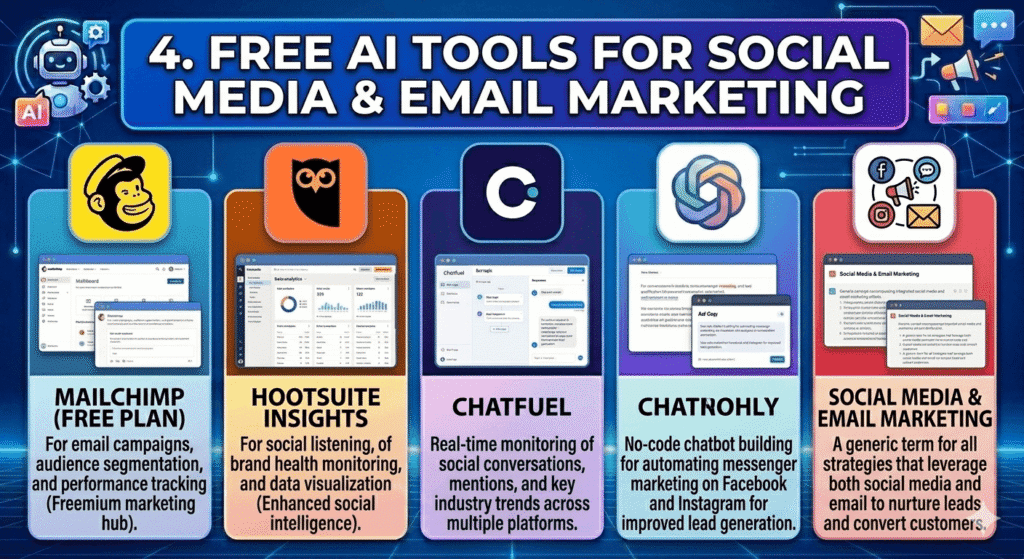
Mailchimp (Free Plan)
Mailchimp is a popular email marketing platform that includes AI tools for creating and optimizing campaigns.
Use for:
- Email campaigns
- Automation
- Audience segmentation
Pros:
- Beginner-friendly
- Automation tools
Cons:
- Limited contacts
Key features:
- Email templates
- AI suggestions
- Analytics
Hootsuite Insights
Hootsuite Insights helps you monitor social media activity and track engagement using AI.
Use for:
- Social media management
- Brand monitoring
Pros:
- Central dashboard
- Saves time
Cons:
- Limited free plan
Key features:
- Scheduling
- Analytics
- Monitoring
Chatfuel
Chatfuel is a no-code chatbot builder that uses AI to automate conversations on messaging platforms.
Use for:
- Customer support
- Lead generation
Pros:
- No coding required
- Fast setup
Cons:
- Limited customization
Key features:
- Chatbots
- Automation flows
5. Strategy & Organization
Planning is just as important as execution.
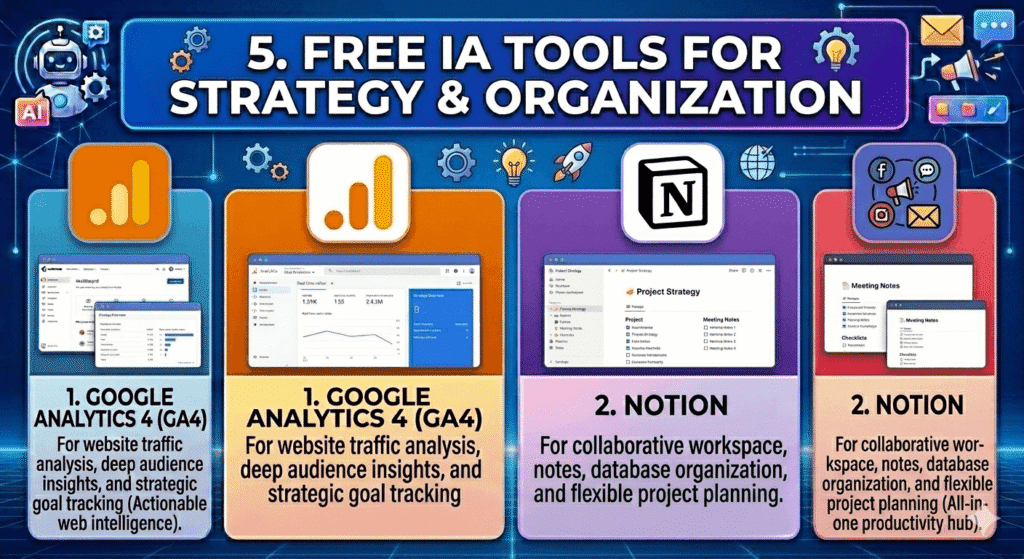
Google Analytics 4 (GA4)
Google Analytics 4 helps you track website traffic and understand user behavior using machine learning.
Use for:
- Traffic analysis
- User behavior tracking
Pros:
- Powerful insights
- Free to use
Cons:
- Complex for beginners
Key features:
- User tracking
- Conversion insights
- Predictive analytics
Notion
Notion is an all-in-one workspace that includes AI features for organizing content and managing projects.
Use for:
- Content planning
- Task management
- Strategy organization
Pros:
- Flexible
- All-in-one tool
Cons:
- Learning curve
Key features:
- AI writing
- Content calendar
- Databases
Practical Tips to Use Free AI Tools Effectively
Here’s how to get the best results from these free AI tools for digital marketing:
1. Combine Tools
Use multiple tools together:
- ChatGPT → Writing
- Canva → Design
- CapCut → Video
This creates a complete marketing system.
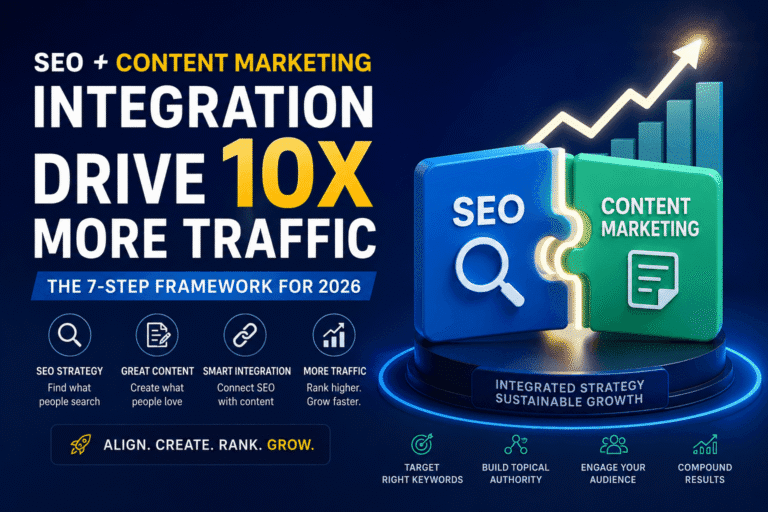
2. Focus on SEO
- Use Google Trends for ideas
- Write content with AI
- Track performance with Search Console
This improves your Google ranking.
Importance of Free AI Tools for Digital Marketing
Free AI tools for digital marketing have become essential for anyone who wants to grow online without a large budget. They are not just helpful, they are transforming how marketing is done in a faster, smarter, and more accessible way.
1. Reduce Costs
One of the biggest advantages of free AI tools is cost savings. Instead of paying for expensive software or hiring large teams, tools like Canva and ChatGPT allow you to create content, designs, and campaigns at little to no cost. This is especially valuable for startups and small businesses.
2. Save Time and Increase Productivity
AI tools automate repetitive tasks such as writing content, generating ideas, and analyzing data. What used to take hours can now be done in minutes. This allows marketers to focus more on strategy and growth instead of manual work.
3. Improve Content Quality
Free AI tools help generate high-quality blog posts, social media captions, emails, and ad copy. Even beginners can create professional-level content with the help of AI suggestions, corrections, and optimization features.
4. Better Decision-Making with Data
Many AI tools provide insights into customer behavior, trends, and performance. This helps marketers make smarter decisions based on data instead of guesswork, leading to better results.
5. Accessibility for Everyone
AI tools have made digital marketing accessible to everyone—not just experts. Whether you are a freelancer, student, or small business owner, you can now compete with larger brands using free tools.
6. Faster Business Growth
By combining speed, efficiency, and cost savings, free AI tools help businesses grow faster. You can launch campaigns quickly, test ideas, and scale your marketing without major investments.
Conclusion: Start Using AI to Grow Your Business
Free AI tools lower the barrier to entry in digital marketing. You can start, grow, and scale your online presence without needing a big budget. Whether you’re running a website like baroganacsi.com, managing social media, or building an online business, these tools give you a competitive advantage.
Final Thought
Free AI tools are transforming digital marketing by making it faster, smarter, and more accessible. Instead of replacing marketers, they enhance creativity and efficiency, allowing you to focus more on strategy and growth while AI handles the heavy work.
2 Comments