10 Free Google Tools Every Content Creator Needs
10 Free google Tools every SEO Needs
If you are a content creator, you need these free Google tools to help you rank higher on Google, attract more readers, and grow your website traffic faster.
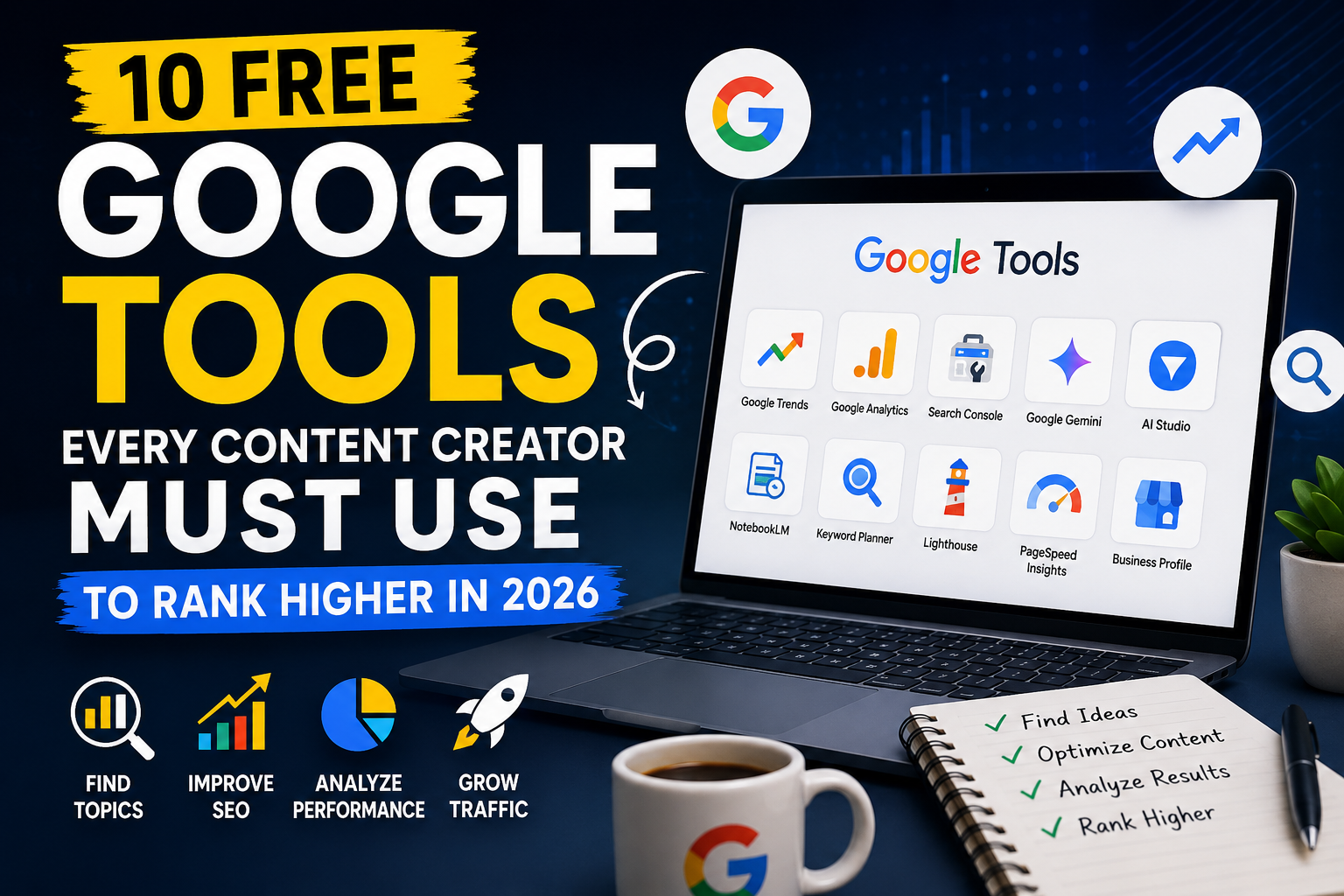
Most creators struggle with SEO because they create content without data to inform it. Google offers 10 powerful tools that are completely free. Whether you are a blogger, marketer, or small business owner, these tools cover every stage of content creation — from finding ideas to measuring performance.
Here are 10 free tools for content creation that every content creator needs.
Google Trends: Find Content Ideas Before Anyone Else
What Is Google Trends?
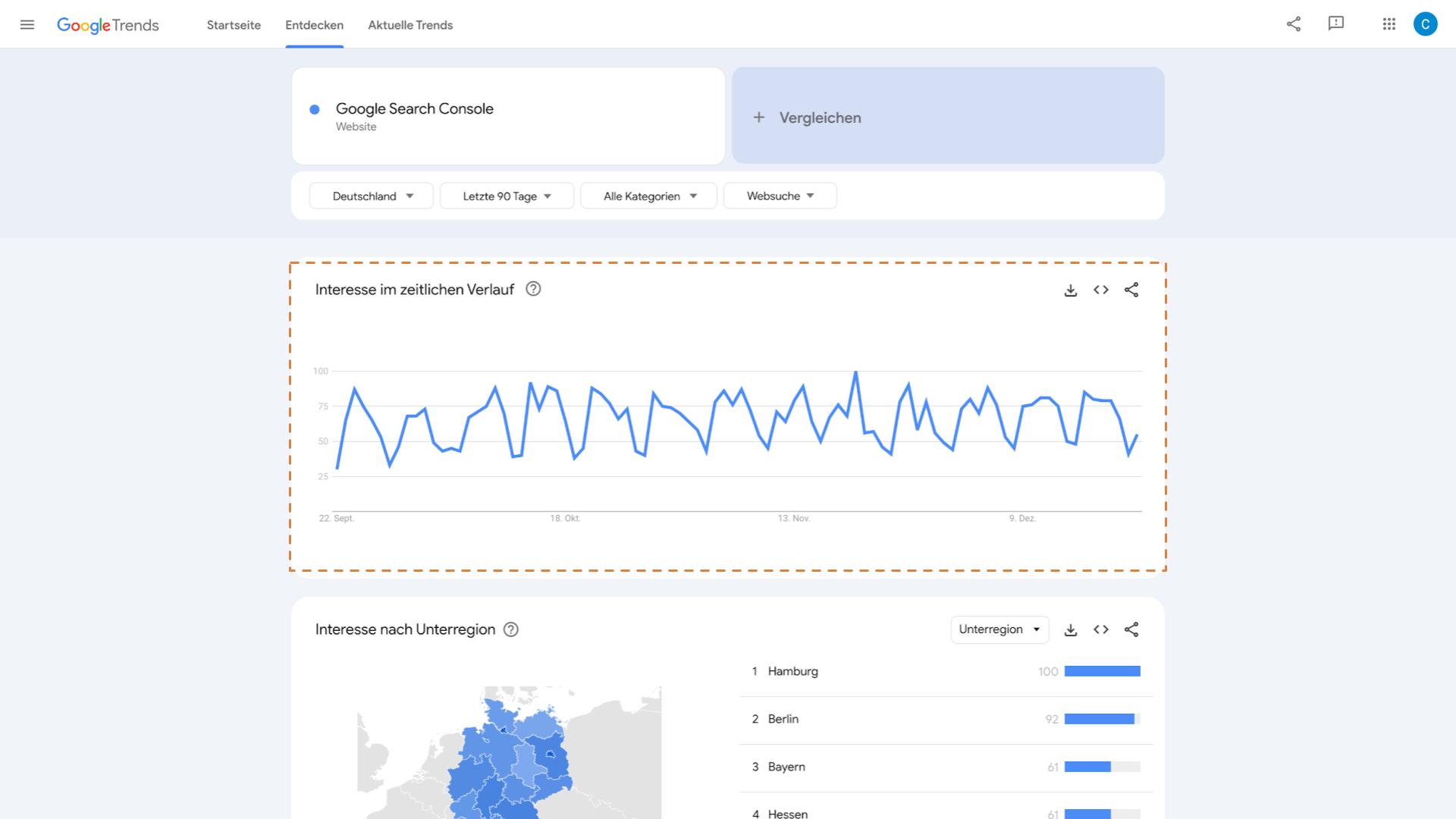
Google Trends is a free tool from Google that shows what people are searching for online in real time. SEO professionals use it to discover trending topics, compare keywords, and find seasonal search patterns.
What You Can Do With Google Trends
- Discover trending topics
- Compare keyword popularity
- Find seasonal trends
- Identify rising searches
- Plan content ideas
Why SEO Professionals Use It
Google Trends helps you understand what audiences are currently interested in. Instead of guessing content ideas, you can create articles and videos based on real search demand.
📌 Example Use Case
If you run a finance blog, you can compare:
- “what is finance”
- “personal finance.”
- “financial literacy.”
Then identify which keyword is growing faster and create content around it.
Best Features
Best For
Google Keyword Planner: find what people search for
What Is Google Keyword Planner?
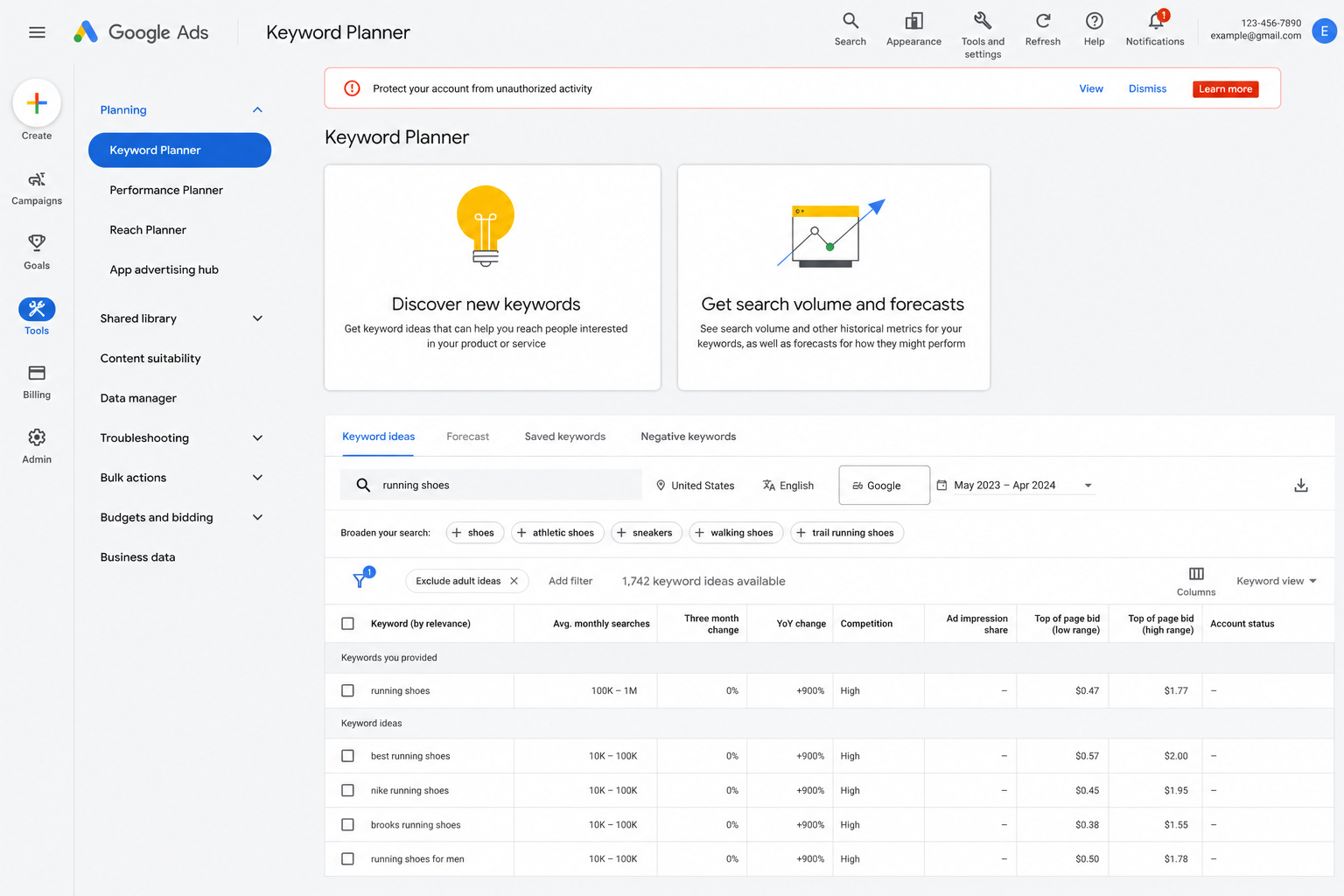
Google Keyword Planner is a keyword research tool from Google that helps users discover keywords, analyze search volume, and plan SEO or advertising strategies.
What You Can Do With Google Keyword Planner
- Discover keyword ideas
- Check search volume
- Analyze keyword competition
- Find related search terms
- Plan SEO content strategies
Why SEO Professionals Use It
Google Keyword Planner provides real search data directly from Google. SEO professionals use it to identify high-demand keywords and create content that targets what users are actively searching for.
📌 Example Use Case
If you want to write about “finance,” Keyword Planner can help you:
- Find related keywords
- Discover long-tail keyword ideas
- Analyze monthly search volume
- Identify low-competition opportunities
- Build an SEO content plan
Best Features
Best For
Google Analytics: Understand Who Is Reading Your Content
What Is Google Analytics?
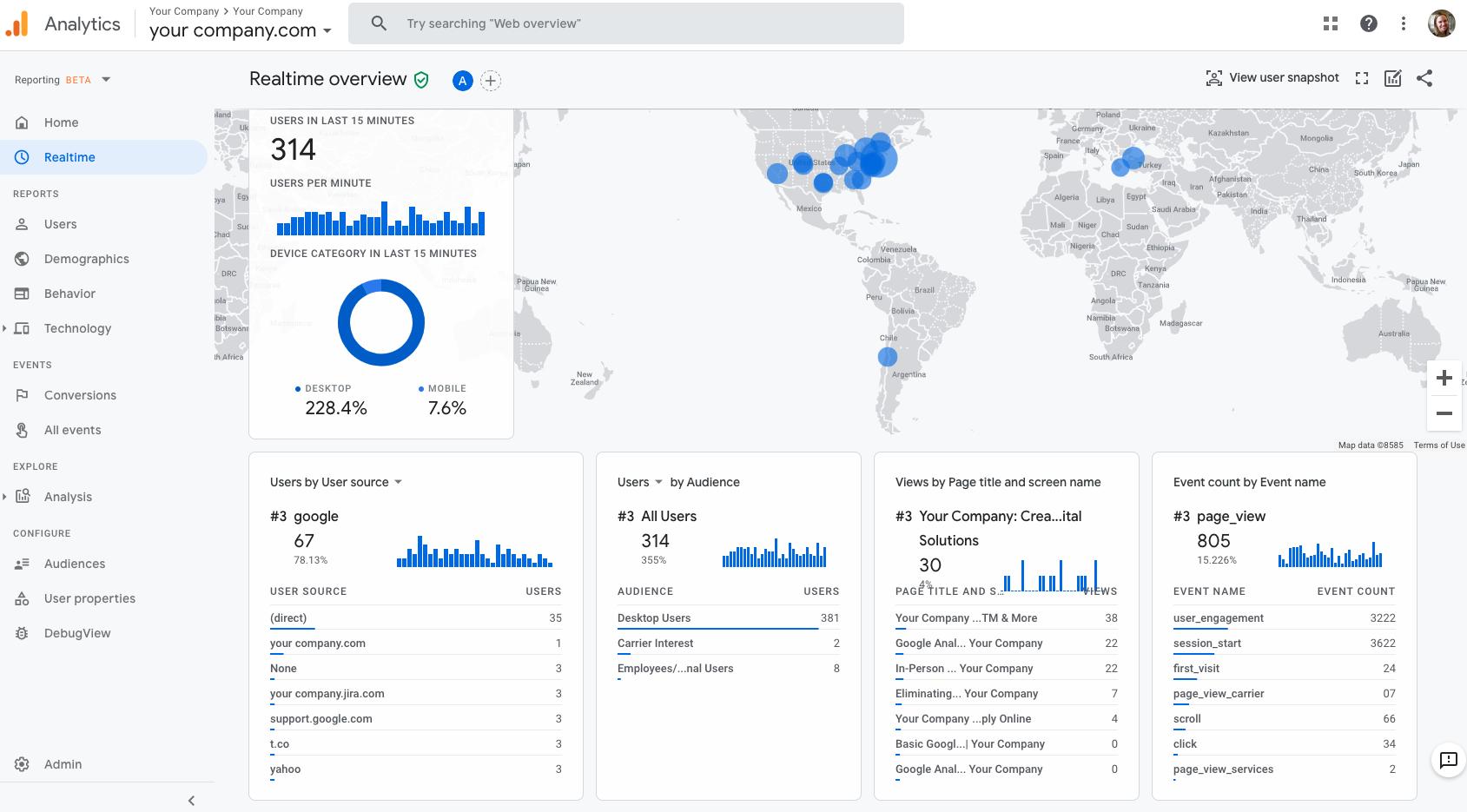
Google Analytics is a free website analytics tool from Google that helps you track and understand website traffic, user behavior, and conversions.
What You Can Do With Google Analytics
- Track website traffic
- Understand user behavior
- See top-performing pages
- Analyze traffic sources
- Improve conversion rates
Why SEO Professionals Use It
Google Analytics helps SEO experts measure how visitors interact with a website. It shows where traffic comes from, what pages users visit most, and how long they stay on the site.
📌 Example Use Case
If your article gets 10,000 visitors from search engines, Google Analytics can show:
- Which keyword pages attract traffic
- How many users leave quickly
- Which pages generate leads or sales
- Which traffic source performs best
Best Features
Best For
Google Search Console: Fix What Google Can’t Find

What Is Google Search Console?
Google Search Console is a free SEO tool from Google that helps website owners monitor search performance, fix indexing issues, and improve visibility in Google Search.
What You Can Do With Google Search Console
- Monitor keyword rankings
- Fix indexing issues
- Check website performance
- Find crawl errors
- Improve visibility in search
Why SEO Professionals Use It
Google Search Console gives direct data from Google Search. It helps SEO professionals understand how pages perform in search results and identify technical SEO problems affecting rankings.
📌 Example Use Case
If your article is not appearing on Google, Search Console can help you:
- Check if the page is indexed
- Find crawl or mobile usability errors
- See which keywords trigger impressions
- Improve click-through rate (CTR) using search data
Best Features
Best For
Google Gemini: AI Writing Assistant for Content Creators
What Is Google Gemini?
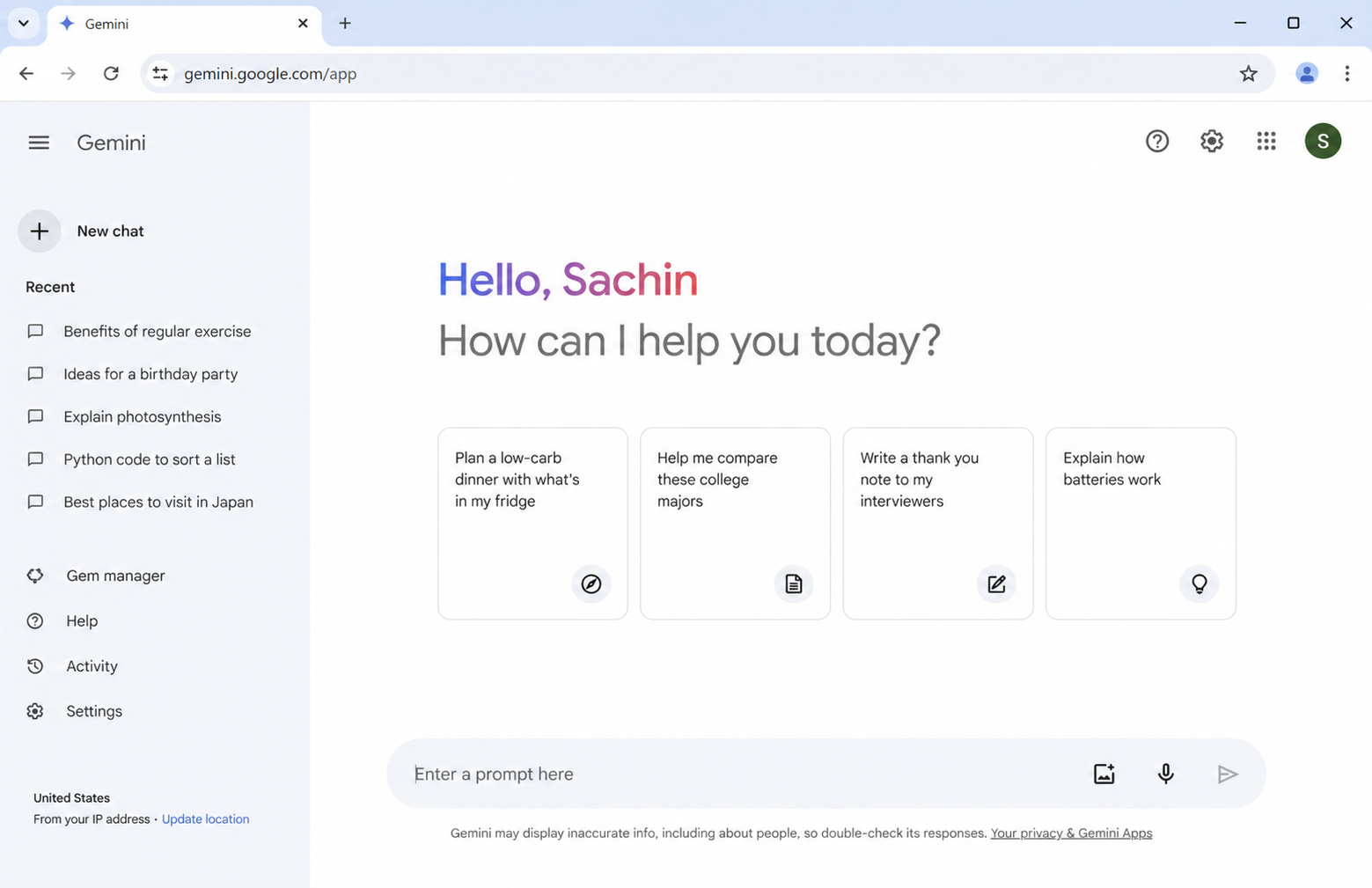
Google Gemini is an AI assistant developed by Google that helps users generate content ideas, write SEO content, research topics, and automate productivity tasks using artificial intelligence.
What You Can Do With Google Gemini
- Generate content ideas
- Write SEO content
- Research topics quickly
- Improve content quality
- Save time in workflows
Why SEO Professionals Use It
Google Gemini helps SEO professionals speed up content creation and research. It can assist with article outlines, keyword brainstorming, meta descriptions, FAQs, and content optimization.
📌 Example Use Case
If you want to write a blog post about “what is finance,” Gemini can help you:
- Generate article outlines
- Suggest keyword ideas
- Create meta descriptions
- Write FAQ sections
- Brainstorm content angles
Best Features
Best For
Google NotebookLM: Organize Research like a pro
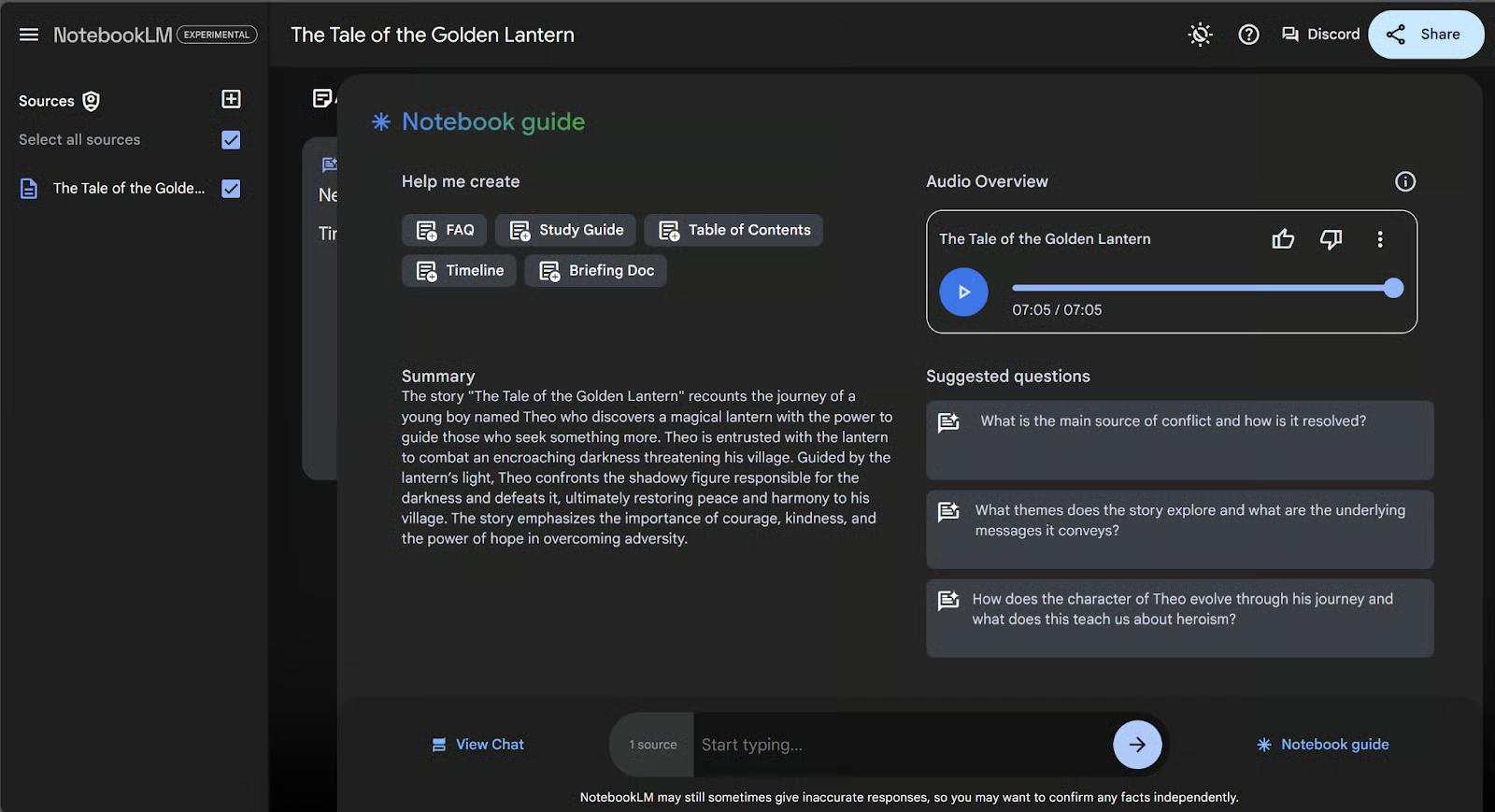
What Is Google NotebookLM?
Google NotebookLM is an AI-powered research and note-taking tool from Google that helps users summarize documents, organize research, extract insights, and analyze content more efficiently.
What You Can Do With Google NotebookLM
- Summarize documents
- Extract key insights
- Organize research
- Analyze content deeply
- Improve content planning
Why SEO Professionals Use It
Google NotebookLM helps SEO professionals manage large amounts of research quickly. It can summarize articles, organize SEO notes, and turn complex information into structured content ideas.
📌 Example Use Case
If you are researching “SEO integration,” NotebookLM can help you:
- Summarize competitor articles
- Extract important SEO points
- Organize keyword research
- Build content outlines
- Save research time
Best Features
Best For
Google AI Studio: Build and Automate Content Workflows
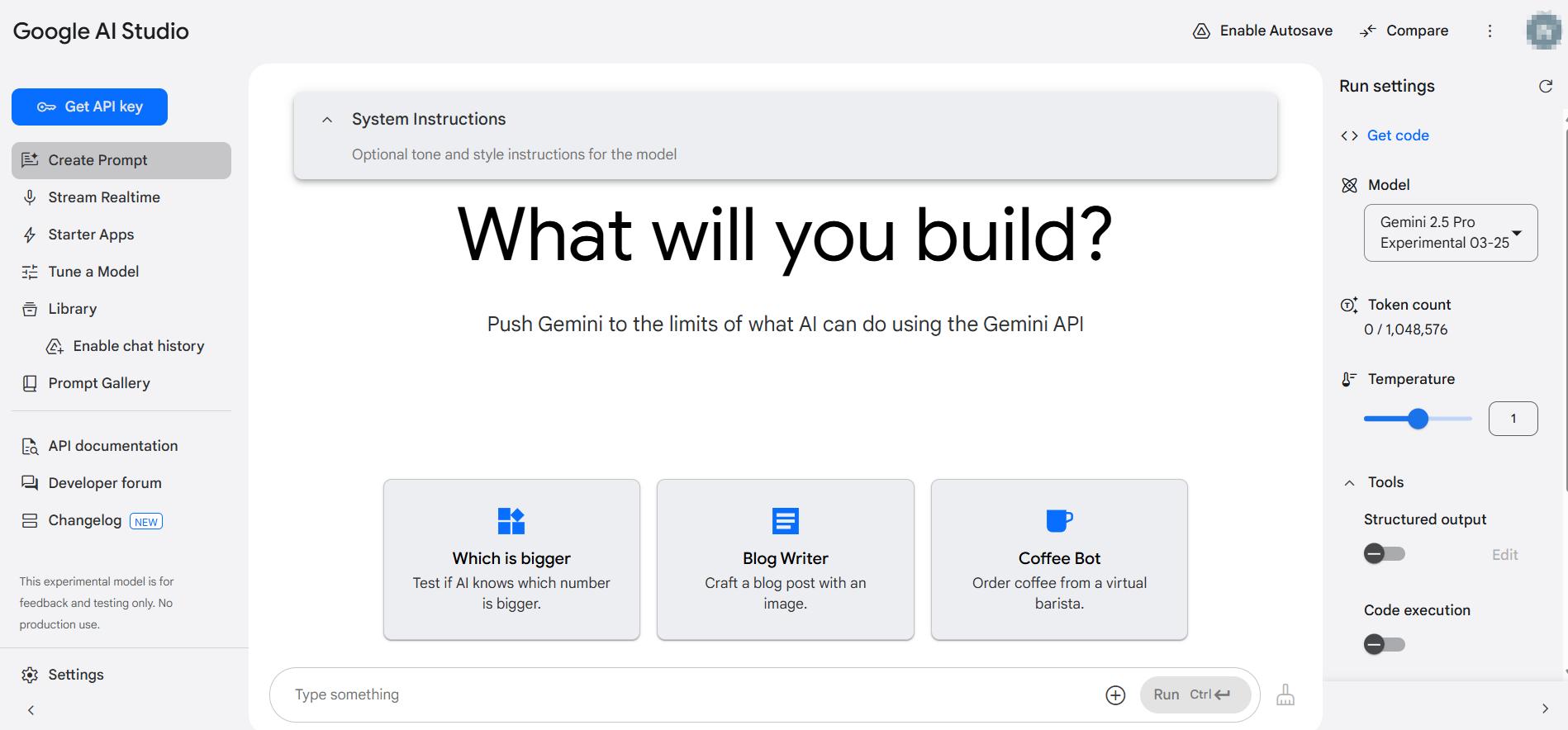
What Is Google AI Studio?
Google AI Studio is a Google platform that lets users test AI models, create AI workflows, build content tools, and experiment with prompts using Google’s AI technology.
What You Can Do With Google AI Studio
- Test AI models
- Create AI workflows
- Build content tools
- Automate SEO tasks
- Experiment with prompts
Why SEO Professionals Use It
Google AI Studio helps SEO professionals and developers automate repetitive tasks like content generation, keyword clustering, title creation, and SEO analysis using AI-powered workflows.
📌 Example Use Case
An SEO specialist can use Google AI Studio to:
- Generate blog outlines automatically
- Create SEO title variations
- Build keyword categorization tools
- Automate meta description writing
- Test AI prompts for content optimization
Best Features
Best For
Google Lighthouse: Audit Your Site’s Technical Performance

What Is Google Lighthouse?
Google Lighthouse is a free website auditing tool from Google that helps developers and SEO professionals analyze website performance, speed, accessibility, and SEO issues.
What You Can Do With Google Lighthouse
- Check website speed
- Improve performance score
- Analyze SEO issues
- Test mobile experience
- Get optimization suggestions
Why SEO Professionals Use It
Google Lighthouse helps SEO experts identify technical problems that affect rankings and user experience. Faster websites usually perform better in search results and provide a better experience for visitors.
📌 Example Use Case
If your website loads slowly, Lighthouse can help you:
- Detect performance bottlenecks
- Improve Core Web Vitals
- Optimize images and scripts
- Identify mobile usability issues
- Fix technical SEO problems
Best Features
Best For
Google PageSpeed Insights: Make Your Content Load Faster
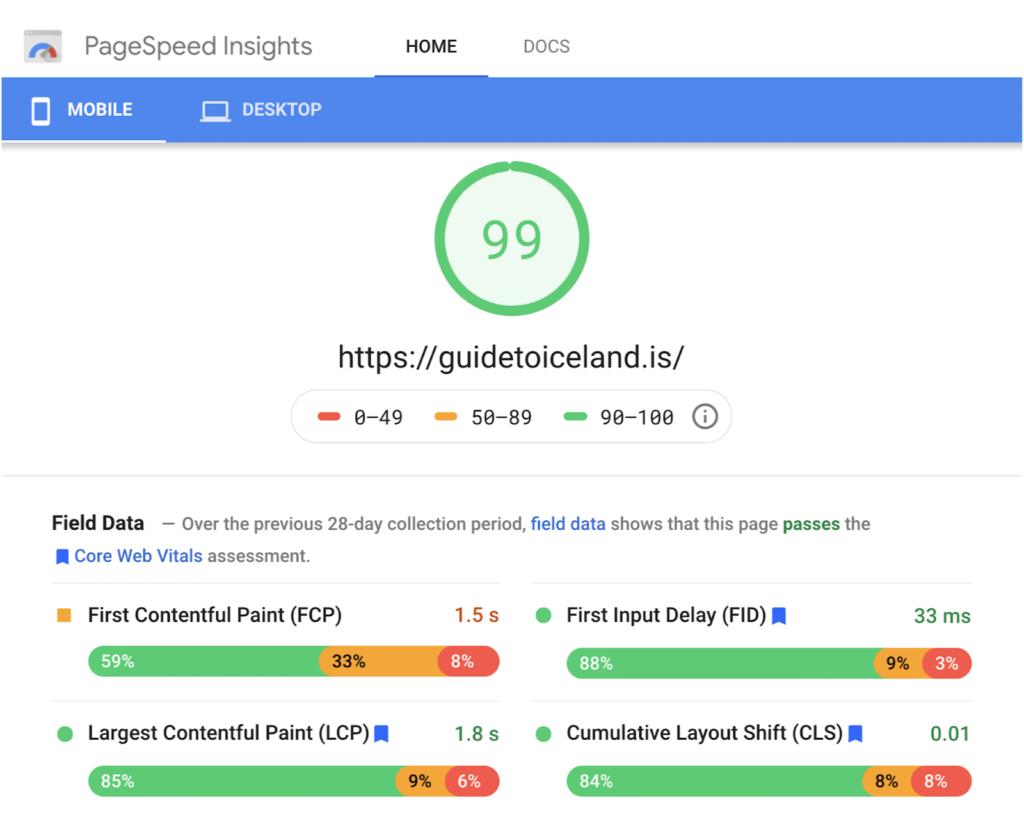
What Is Google PageSpeed Insights?
Google PageSpeed Insights is a free performance analysis tool from Google that measures website loading speed, Core Web Vitals, and overall user experience on mobile and desktop devices.
What You Can Do With Google PageSpeed Insights
- Test website speed
- Measure Core Web Vitals
- Analyze mobile performance
- Improve user experience
- Find technical optimization issues
Why SEO Professionals Use It
Website speed is a major ranking factor. SEO professionals use PageSpeed Insights to identify performance problems that can hurt rankings, reduce engagement, and increase bounce rates.
📌 Example Use Case
If your blog is slow on mobile devices, PageSpeed Insights can help you:
- Detect slow-loading elements
- Improve Largest Contentful Paint (LCP)
- Reduce layout shifts
- Optimize images and scripts
- Increase website performance scores
Best Features
Best For
Google Business Profile: Get Your Content Found Locally
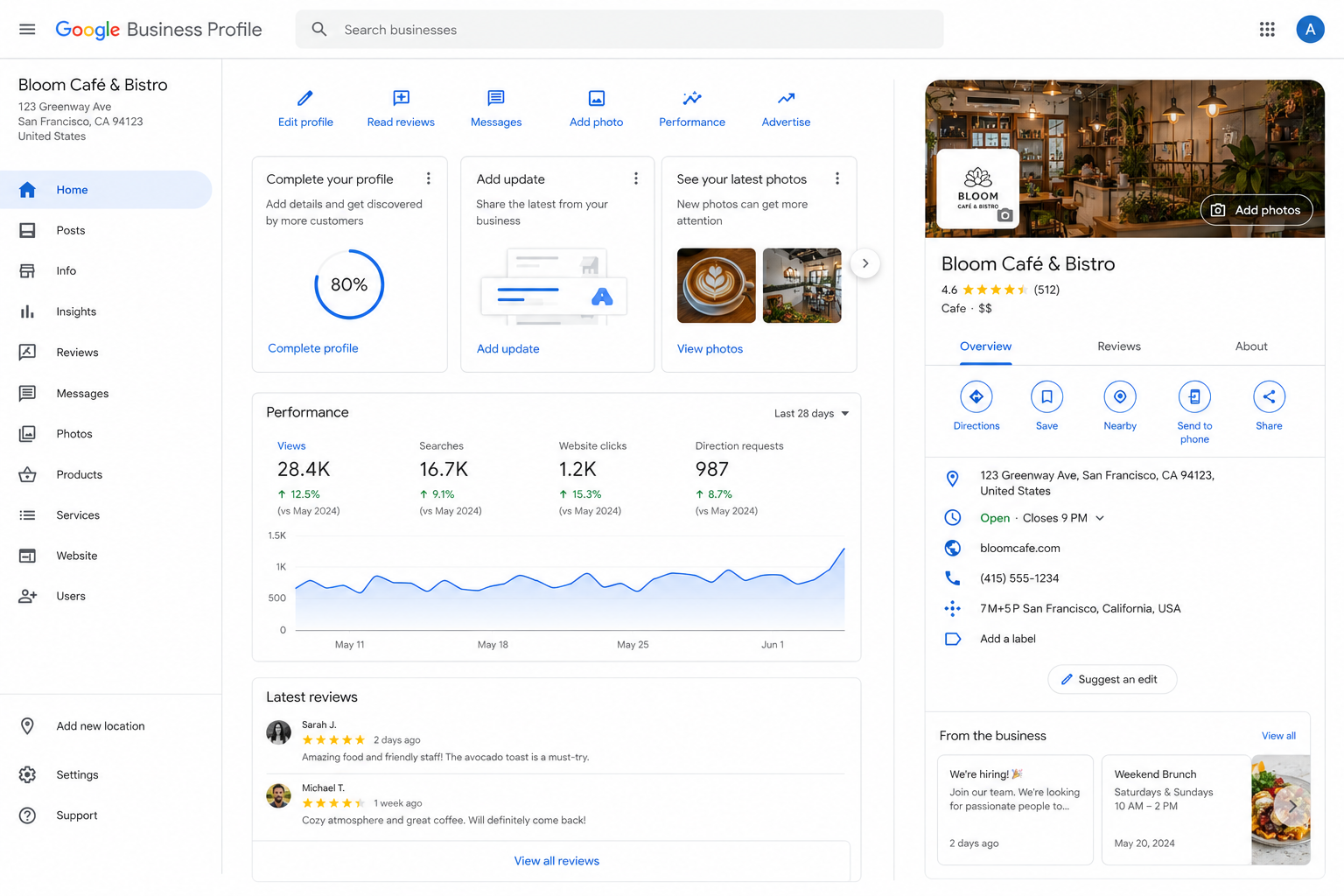
What Is Google Business Profile?
Google Business Profile is a free business listing tool from Google that helps businesses appear in Google Search and Google Maps with local business information, reviews, photos, and contact details.
What You Can Do With Google Business Profile
- Appear in local search results
- Show your business on Google Maps
- Collect customer reviews
- Add photos and business details
- Improve local SEO visibility
Why SEO Professionals Use It
Google Business Profile is essential for local SEO. It helps businesses rank in local search results and increases visibility for nearby customers searching for products or services.
📌 Example Use Case
If you own a local restaurant, Google Business Profile can help you:
- Show business hours and location
- Display customer reviews
- Appear in “near me” searches
- Increase calls and visits
- Improve local search rankings
Best Features
Best For
Conclusion
Conclusion
These 10 tools cover most of what content creators need to research, publish, optimize, and measure content — without spending anything. The challenge is not access. Most people already have a Google account. The challenge is knowing which tool to use at which stage of the process.
A practical starting point: if you do not have Google Search Console and Google Analytics connected to your site, do those two first. They form the diagnostic foundation on which everything else builds. Once you can see how your content is performing in search and on your site, you will have a much clearer sense of where the other tools fit.
From there, layer in Google Trends and Keyword Planner for research, Lighthouse and PageSpeed Insights for technical maintenance, and the AI tools — Gemini, AI Studio, NotebookLM — when you need to work faster or on a larger scale.
Want to go deeper and build a complete digital strategy? Check out these guides: